For clubs

Club managementall in one place.

With the fanXXL club information, you manage all key data, templates and orders centrally and efficiently – for a consistent look and smooth processes.

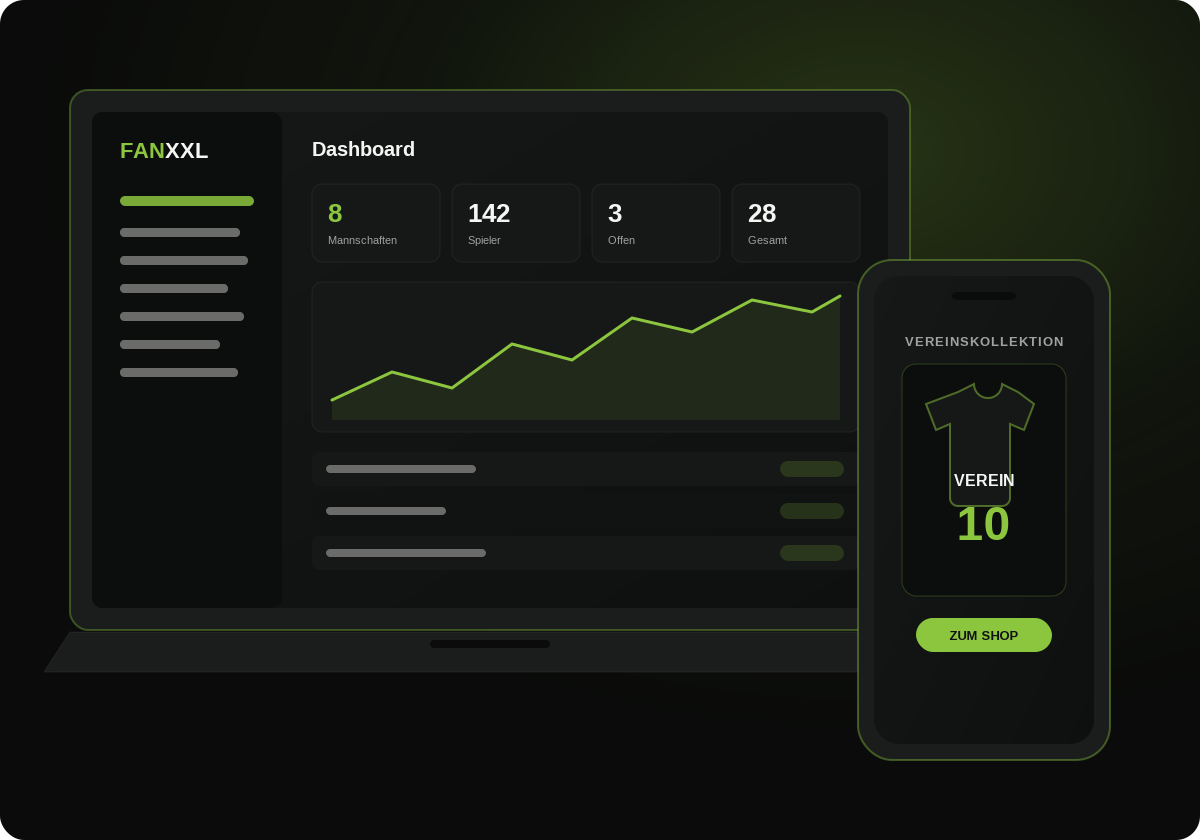
fanXXL club management: dashboard with teams, players and orders on a laptop and in the app
Secure & GDPR-compliant
Save time & effort
A consistent look
Everything for your club
Everything under control

Your club – fully organized

From master data to reports: twelve building blocks that make everyday club life noticeably easier.

01

Club master data

All the key information about your club.

  • Club name
  • Club logo
  • Club colors
  • Contact person
  • Contact details
  • Billing & shipping address
  • Website & social media
02

Club logo & print files

Upload your print files and use them for every order.

  • Club logo (PNG, SVG, PDF)
  • Sponsor logos
  • Crests & division logos
  • Print approvals
  • Default placement
  • Logo sizes & colors
03

Player & member management

Manage players, numbers, sizes and teams centrally.

  • Name
  • Jersey number
  • Team
  • Position
  • Sizes
  • Initials
  • Player status
04

Finishing templates

Set default values for your finishing.

  • Player name on the back
  • Number on the back
  • Initials on the chest
  • Sponsor print
  • Club name
  • Fonts & colors
  • Placement
05

Bulk orders

Organize orders for entire teams or the whole club.

  • Import player lists
  • Collect sizes
  • Approval process
  • Track order status
  • Manage reorders
06

Club collections

Define the official items of your club.

  • Home jersey
  • Away jersey
  • Training collection
  • Leisurewear
  • Fan merchandise
  • Active & discontinued models
  • Season change
07

Sponsor management

Store sponsors and their print files centrally.

  • Sponsor name
  • Logo & print files
  • Contract term
  • Assignment to teams
  • Print position
08

Documents & templates

All key club documents stored securely.

  • Membership applications
  • Sponsor agreements
  • Approval forms
  • Print approvals
  • Club guidelines
09

Club shop settings

Control your official club shop.

  • Shop visibility
  • Categories
  • Club collection
  • Banners & images
  • Shop texts
  • Contact person

Your shop. Your rules.

10

Roles & permissions

Decide who may manage which areas.

  • Club administrator
  • Coach
  • Team manager
  • Youth leader
  • Shop manager

The right permissions for everyone.

11

Order history & reports

Keep track of all orders and reports.

  • Orders per team
  • Revenue trend
  • Popular items
  • Reorders
  • Open orders

Data that helps you move forward.

12

Your benefits at a glance

  • All data central & secure
  • A consistent club image
  • Faster ordering processes
  • Fewer follow-up questions
  • More time for what matters

fanXXL – together for your team.

It's that easy

Ready to go in four steps

Your teamsport dealer on fanXXL takes care of the technical side – you don't have to install anything.

Step 1

Create your club

Enter your master data and set up the basics.

Step 2

Upload data & logos

Upload and store logos, templates and documents.

Step 3

Add players & teams

Manage players, teams and sizes centrally.

Step 4

Order & benefit

Order faster, save time, present a consistent look.

Create your club now and enjoy all the benefits

Drop us a quick line about which teamsport dealer you work with – or whether you are still looking for one. We'll show you on a real club shop what fanXXL looks like for you.

Developed & hosted in Germany • Honest exchange as equals • No minimum term
Black Week

Now 60 days
free trial

With your own club shop for one of your clubs, set up by us.

  • With your club's crest and colors
  • Real products, print zones and team orders
  • No payment details needed

No obligation. The trial ends on its own.